
Documentation
⌘K
Organizations
Organizations are the top-level entities that help you organize your infrastructure resources.
What is an Organization?
An organization in InfraDots Platform is the over arching structure that holds all your infrastructure code and components. Depending on the structure of your company and processes you may chose one of several routes:
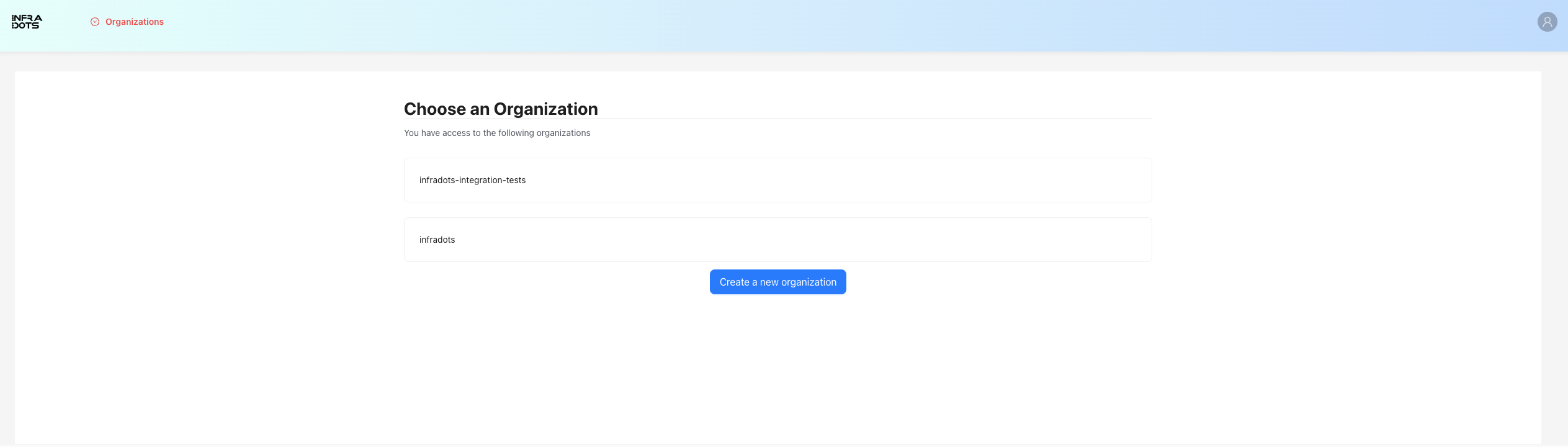
- One organization for all infrastructure in your company - the default way to set it up
- Organization per environment - for large environments where separation of concerns can't be handled via workspaces
- Multiple org setup for service providers - when you provide services to multiple companies and need separation and IAM management on the organization level
Managing Organizations
Creating an Organization
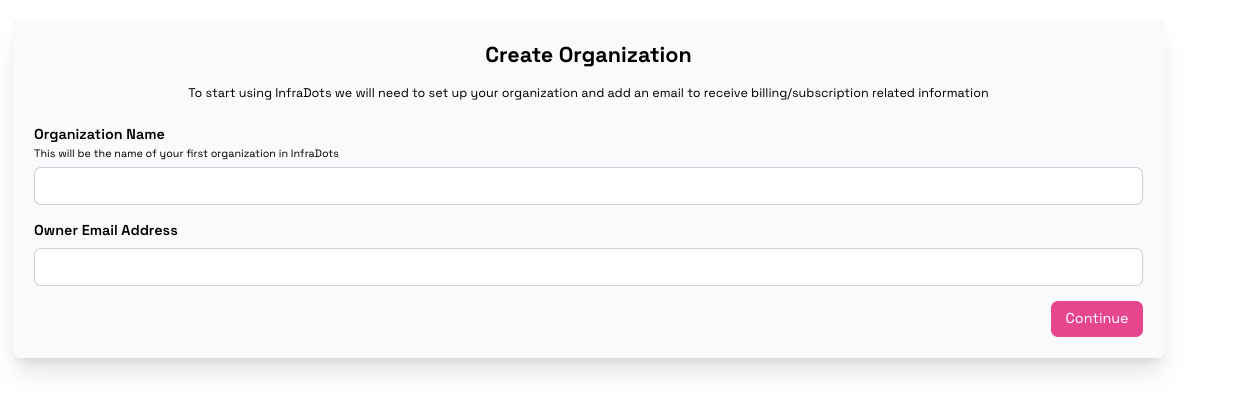 A default organization is created once you create an account and go through the steps. If you are on Growth or Enterprise you may create more than 1 organization
- Navigate to the Home page
- Click "Create Organization"
- Enter a unique name for your organization
- Select your preferred execution mode (Remote or Local)
- Click "Create"
Managing Members
- Go to your organization's settings
- Select the "Members" tab
- Add members by email address
- Assign appropriate permissions to each member
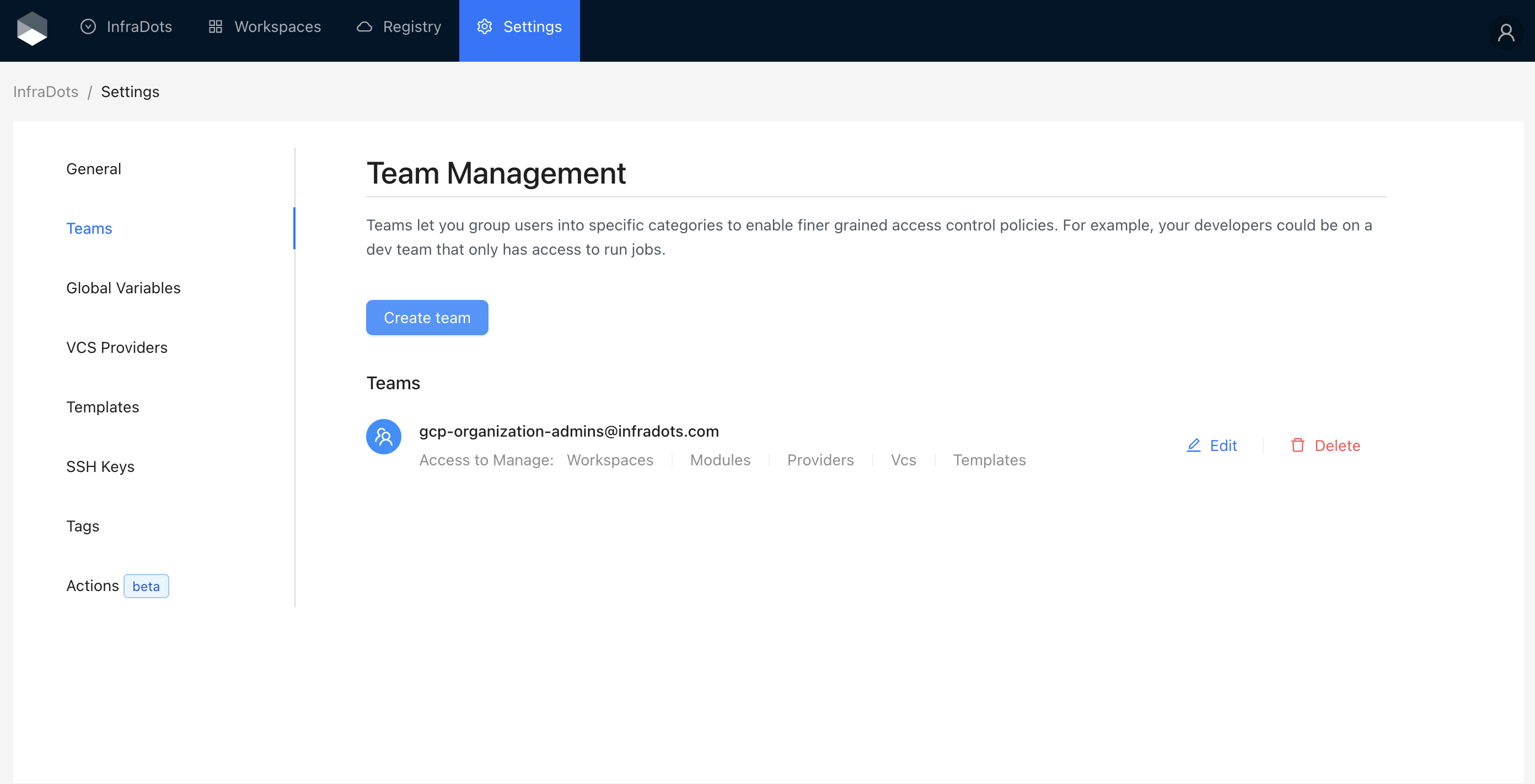
Team permissions are configured at a granular level per team, controlling access to organizations, workspaces, VCS settings, and billing.
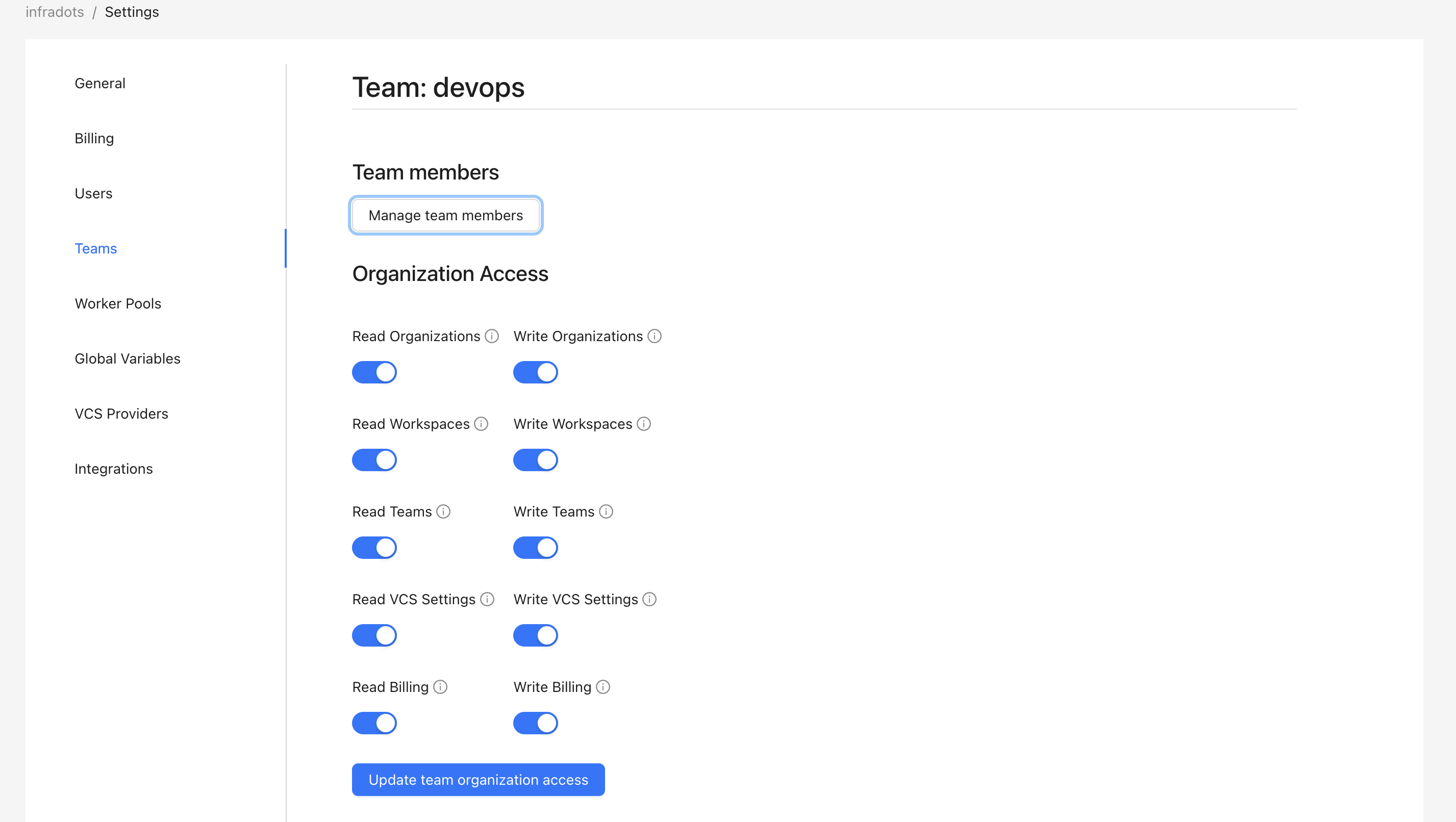
Organization Settings
- Tags: Add key-value pairs to organize and filter your organizations
- Execution Mode: Set the default execution mode for all workspaces in the organization
- Subscription: View and manage your subscription details for the InfraDots platform.
- Variables: Manage organization wide terraform and environmental variables