
Documentation
⌘K
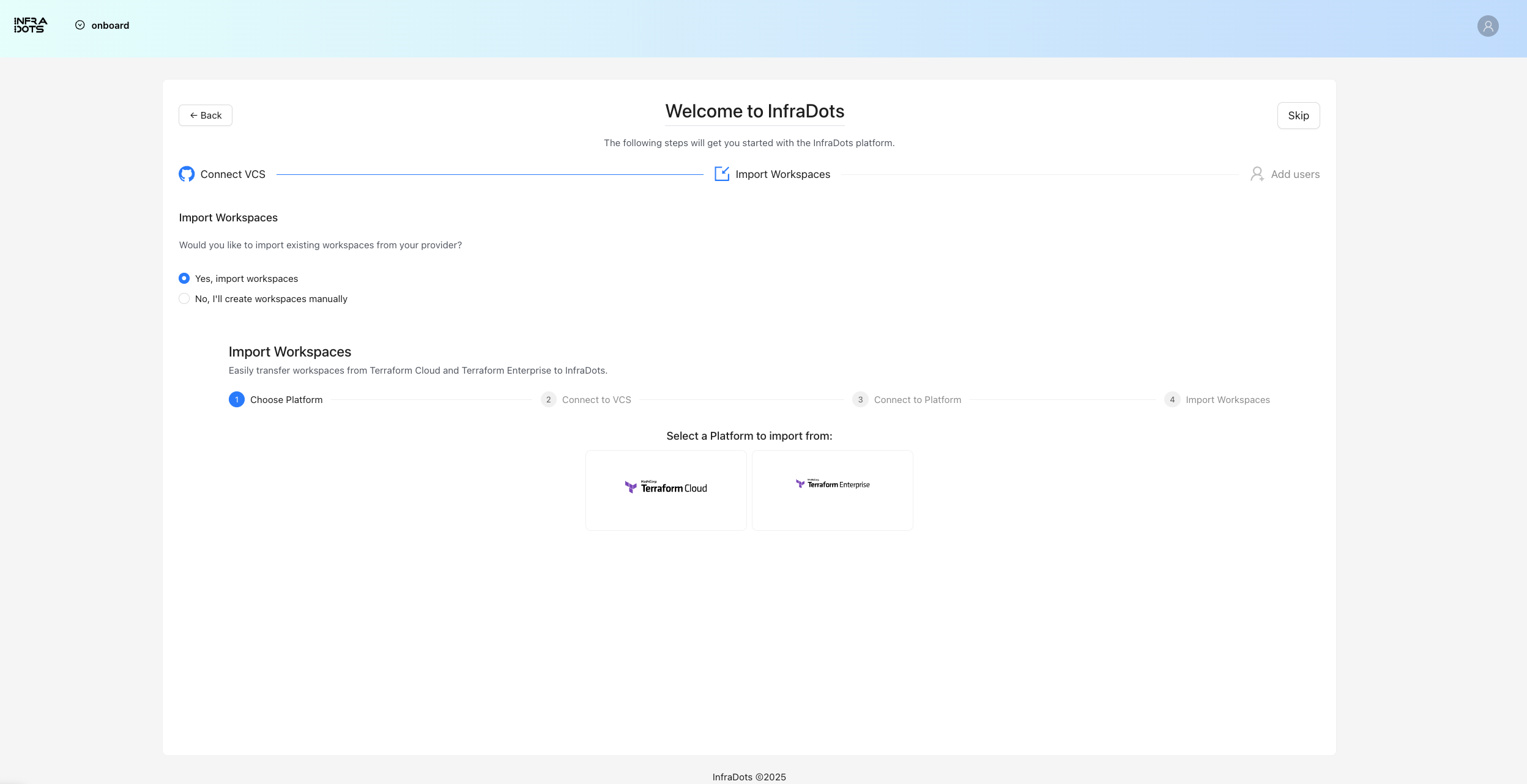
Import from Terraform Cloud
InfraDots Platform allows you to easily migrate your workspaces from Terraform Cloud.
How to Import from Terraform Cloud
- Navigate to your organization
- Click "Import from Terraform Cloud"
- Enter your Terraform Cloud API token and organization name
- Select the workspaces you want to import
- Configure VCS connection for the imported workspaces (optional)
- Click "Start Import"
Import Status
After starting an import, you can track its progress:
- Navigate to your organization
- Click "Import Status"
- View the status of each workspace import:
- Pending: Import has been requested but not started
- Progressing: Import is in progress
- Finished: Import has completed successfully
- Failed: Import has failed (with error details)
What Gets Imported
When importing from Terraform Cloud, the following items are migrated:
- Workspace configurations
- Terraform state — the latest state version
- Variables (not including sensitive variables). Sensitive variables will be marked as required for change before running a workspace job
- Team access settings (mapped to InfraDots Platform permissions)
⚠️ Warning
[!warning] Sensitive variables cannot be read from Terraform Cloud's API. After import, you will need to re-enter the values for any sensitive variables before running workspaces.
Using the Terraform Provider
You can also automate workspace creation using the InfraDots Terraform provider:
terraform {
  required_providers {
    infradots = {
      source = "infradots/infradots"
    }
  }
}

provider "infradots" {
  api_token = var.infradots_token
}

resource "infradots_workspace" "example" {
  name         = "imported-workspace"
  organization = "my-org"
  vcs_repo {
    identifier = "my-org/infra-repo"
    branch     = "main"
  }
}